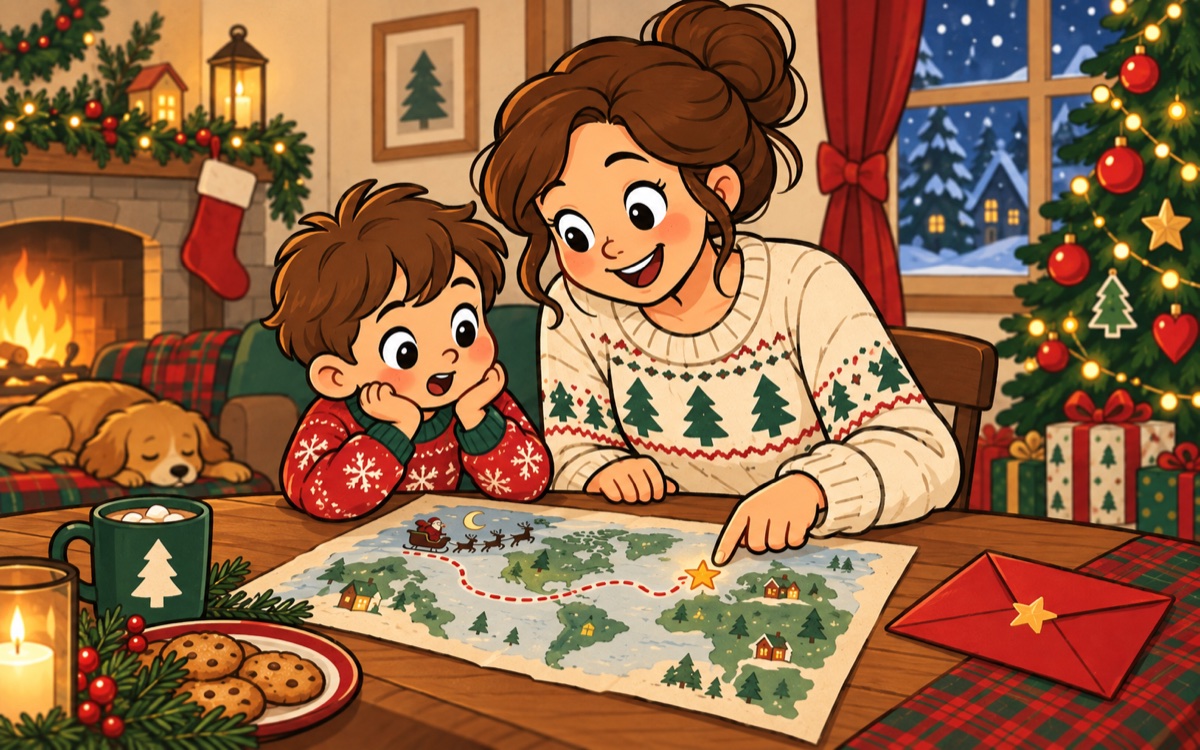
NORAD, Google or your family’s own Santa story?
Enjoy the world map together, then decide the timing of your own celebration at home.
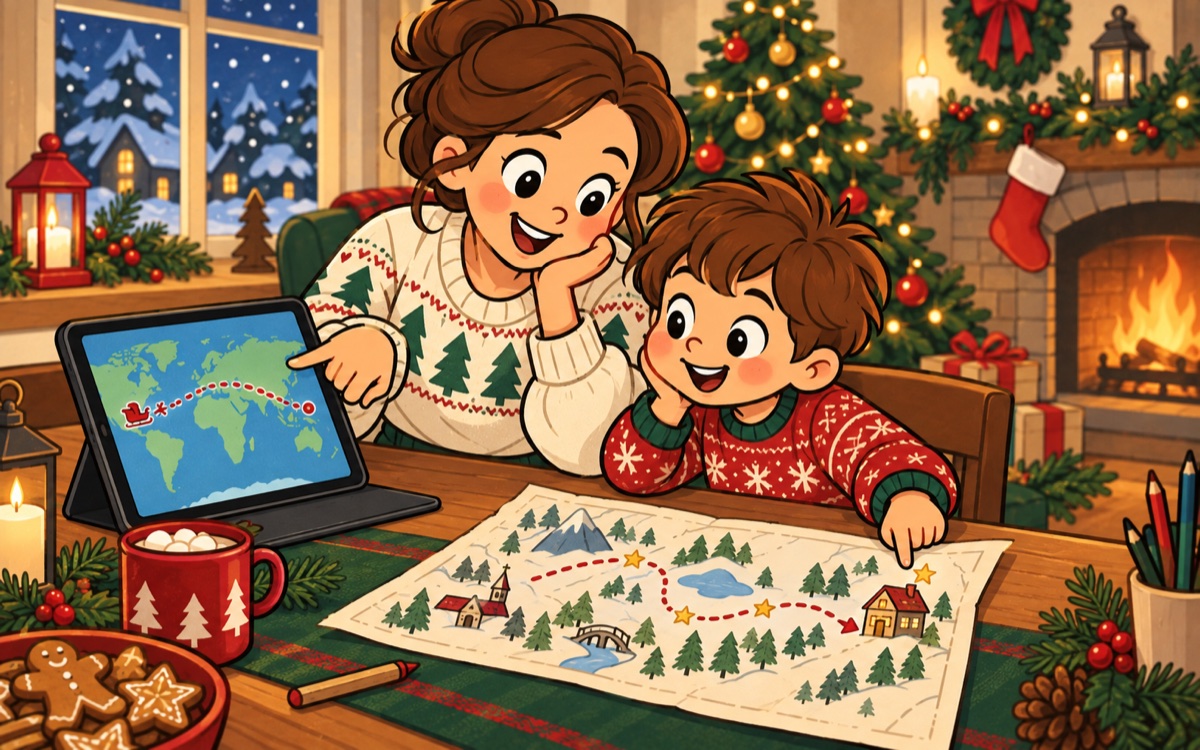
If your child wants to explore Santa’s journey, try a global tracker together when its Christmas Eve map is available. NORAD’s FAQ says it cannot predict his arrival at a particular house. Google’s Santa Tracker offers games as well as a seasonal journey map. Check the live sites each season, because their features can change.
If the question is “When will he come here?”
A global position is not a household countdown. For that question, leave a note after lunch or give one simple clue when the presents are ready. An ordinary piece of paper is enough; you do not need a service.
- Choose one or two times to check a global tracker, rather than leaving it on all day.
- Do not promise an exact arrival time based on a map dot.
- If using a family story, let the adult control the final cue.
The honest distinction is useful: the world map is for exploring, while your household decides its own Christmas timing.
Choose what you will do after looking
Before opening a tracker, agree on a small purpose: find one country, read a place name or compare the scene with a storybook. Then name the next activity. A map can be a short shared visit rather than a screen left running beside dinner.
If your child asks whether the visitor has passed your house, separate the game from your family plan: “This map is part of their Christmas story. We’ll open our gifts after breakfast.” A paper route you draw yourself can follow the same rhythm without pretending to show a live location.